
BluePrintRenderer
[ARCHIVED] Superseded by XenolithGraph — modern TypeScript/WebGL successor with React/Vue adapters and MCP for AI agents. See: github.com/XenolithEngine/xenolith-graph
Links
README
From the repo.
BluePrintRenderer
⚠️ This project is no longer maintained
Superseded by XenolithGraph — a modern TypeScript / WebGL re-imagining of this idea, with first-class typed Blueprint pins, in-node widgets, framework adapters (React / Vue / Svelte / Solid / Angular / Web Components), and a built-in MCP server so AI agents like Claude Desktop / Cursor can build graphs directly.
- 🎮 Live playground: https://xenolithengine.github.io/xenolith-graph/playground/
- 📦 npm:
npm install @xenolithengine/graph-editor pixi.js- 📖 Docs: https://xenolithengine.github.io/xenolith-graph/
- 🤖 For AI agents: https://xenolithengine.github.io/xenolith-graph/agents.md
This repository is preserved for historical reference and is read-only. No further commits, issues, or PRs will be accepted here. Please open issues / questions against XenolithGraph instead.
Blue Print Renderer
Current features:
-
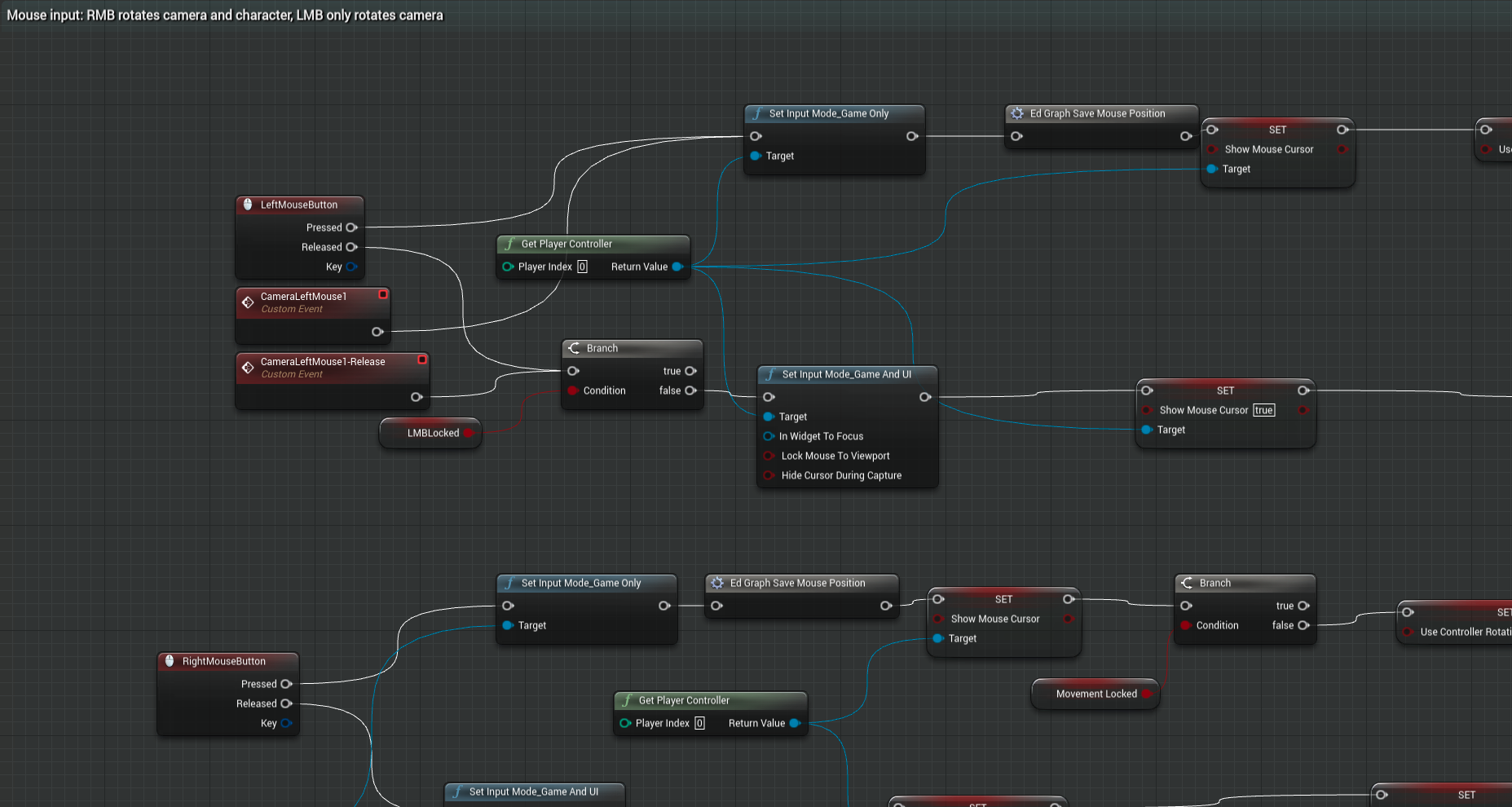
Blueprints rendering like UE4 Blueprint Editor
-
Result:
-
Online demo: Here
Based on:
Collected info
- ★ 108 stars
- ⎇ 33 forks
- Language: JavaScript
- Source updated: 6/28/2026
Config for your environment
Replace {MCP_ENDPOINT_URL} with this MCP’s endpoint URL (from its repo or docs above). No API key — you connect directly.
Tool
OS
Config file: ~/.cursor/mcp.json
{
  "mcpServers": {
    "mcp-server": {
      "url": "{MCP_ENDPOINT_URL}"
    }
  }
}Paste into mcpServers in the config file. Restart Cursor after saving.
If this MCP is also published on mcpchannel.ai, you can subscribe from Browse and use the gateway config there instead.