
← Discover MCPs and Agents
t
MCPAI & MLGitHub
thx
A terminal-first AI CLI agent with a TUI and MCP support
Links
README
From the repo.
thx
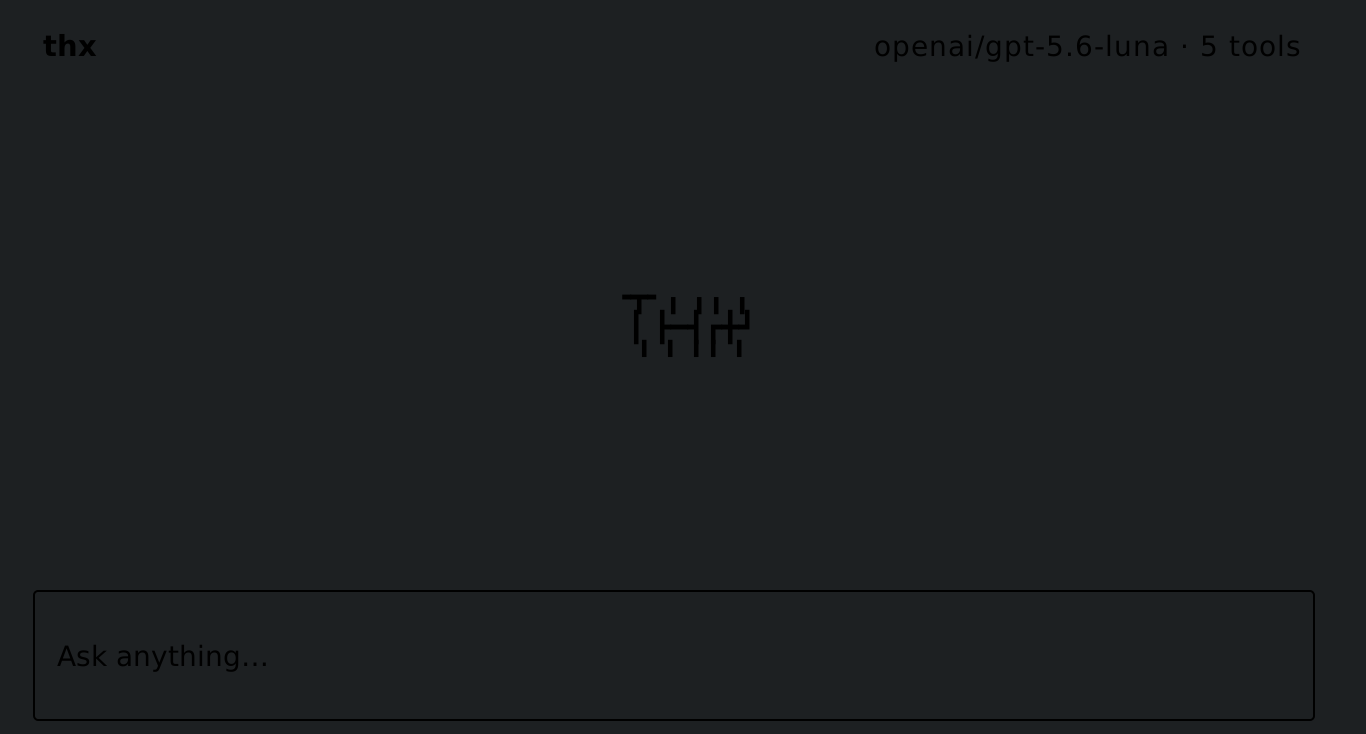
cargo install thx
# or
curl -fsSL https://raw.githubusercontent.com/thx-rs/thx/main/install.sh | sh

export OPENAI_API_KEY=sk-...
export OPENAI_BASE_URL="https://openrouter.ai/api/v1"
export OPENAI_MODEL="openai/gpt-5.6-luna"

thx
Add SHELL
cargo install shellvibe

cat > mcp.json <<'EOF'
{
  "mcpServers": {
    "shellvibe": {
      "command": "shellvibe",
      "args": ["--deny-exec", "rm"]
    }
  }
}
EOF

thx
Collected info
- ★ 0 stars
- Language: Rust
- Source updated: 8/31/2026
Config for your environment
Replace {MCP_ENDPOINT_URL} with this MCP’s endpoint URL (from its repo or docs above). No API key — you connect directly.
Tool
OS
Config file: ~/.cursor/mcp.json
{
  "mcpServers": {
    "mcp-server": {
      "url": "{MCP_ENDPOINT_URL}"
    }
  }
}Paste into mcpServers in the config file. Restart Cursor after saving.
If this MCP is also published on mcpchannel.ai, you can subscribe from Browse and use the gateway config there instead.